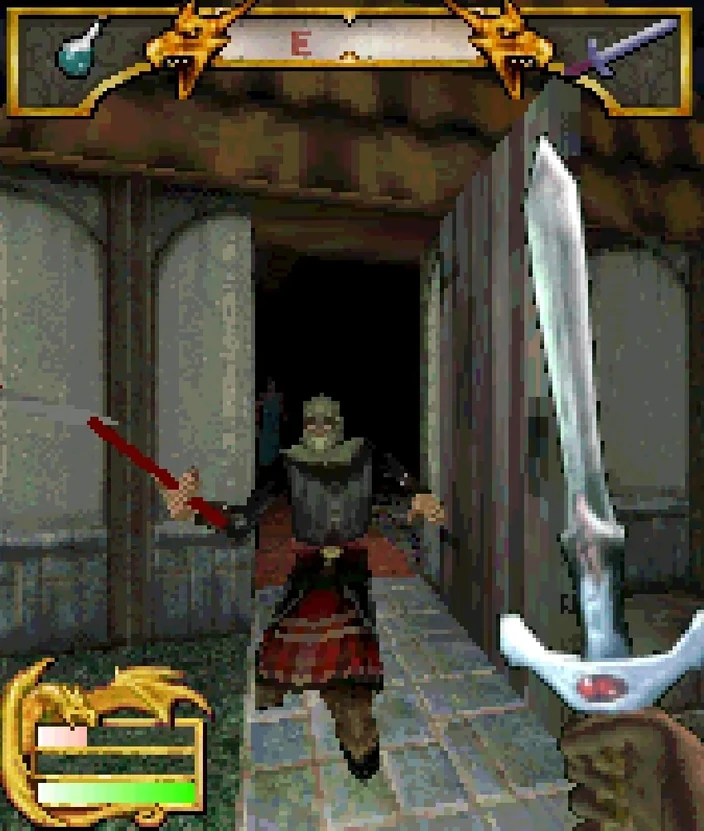
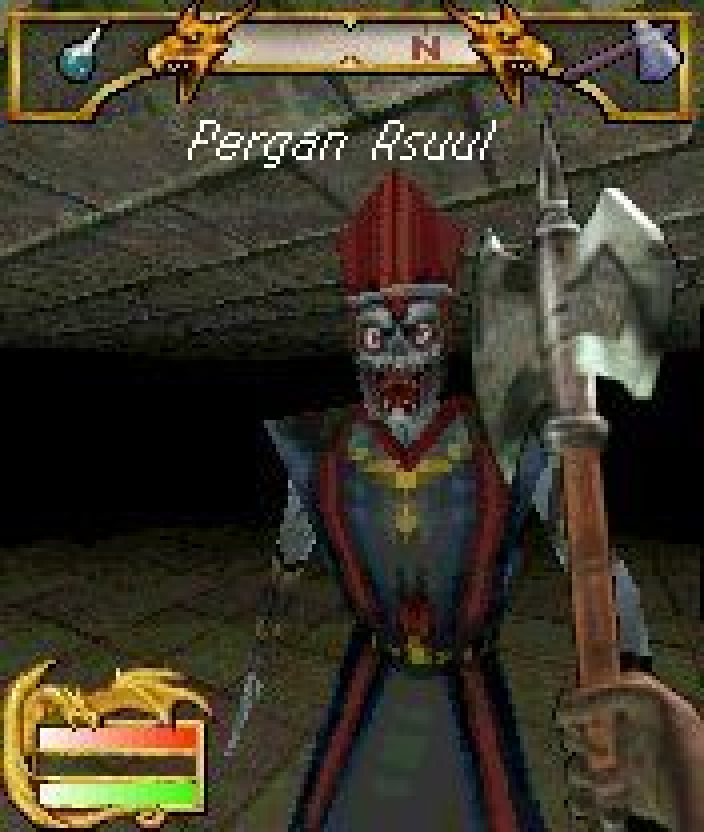
This is optional and only for Modern mode. Project Reforged can play Morrowind's music and sound effects instead of the phone's. It uses your own copy of Morrowind, reads the files where they are, and never copies or shares them.
Windows
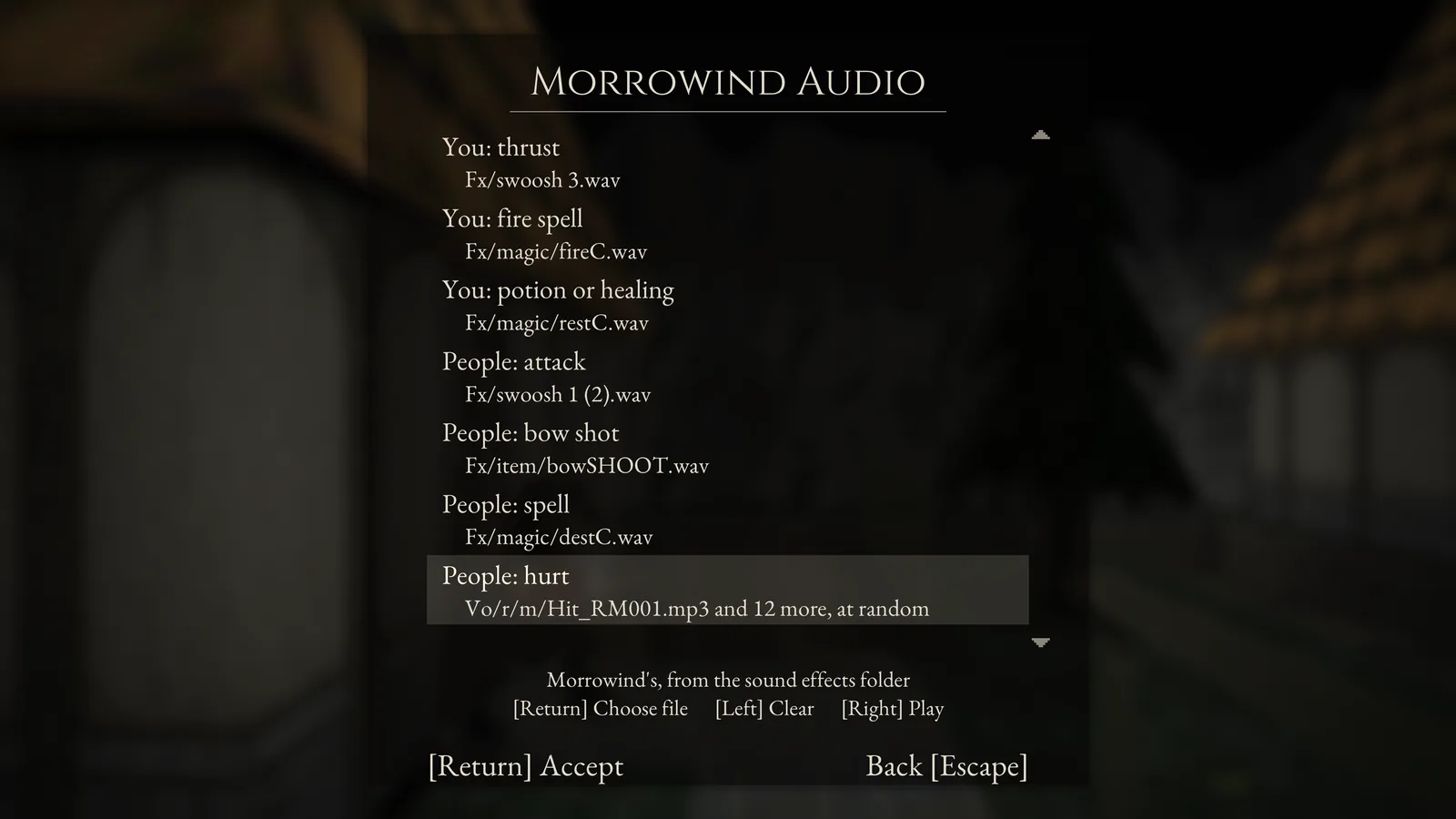
Install Morrowind from Steam, GOG or the disc as usual. Open Options > Morrowind Audio and the game finds it the first time. If you installed it somewhere unusual, choose Sound effects folder and pick the Morrowind folder or its Data Files folder. The music folder fills in by itself.
Mac
Morrowind only installs on Windows, so on a Mac the files have to be unpacked from the installer once. Put them in a folder called Morrowind in your home folder and the game finds them. These steps use Homebrew in Terminal.
From the disc or a disc image
brew install unshield
mkdir ~/Morrowind && cd ~/Morrowind
unshield -g "Data Files" x "/Volumes/Morrowind/data1.hdr"
If the disc shows up under another name, change /Volumes/Morrowind to match.
From GOG
Download the offline backup installer for Windows from your GOG library. Keep any .bin files next to the .exe.
brew install innoextract
innoextract -d ~/Morrowind ~/Downloads/setup_tes_morrowind_goty*.exe
From Steam
Steam for Mac won't download a Windows-only game, but Valve's steamcmd will. It asks for your Steam password and Steam Guard code.
brew install --cask steamcmd
steamcmd +@sSteamCmdForcePlatformType windows +force_install_dir ~/Morrowind +login YOUR_STEAM_NAME +app_update 22320 validate +quit
From a Windows PC
Copy the Sound and Music folders from Morrowind's Data Files into a folder called Morrowind in your Mac's home folder.
Then open Options > Morrowind Audio. If the files are somewhere other than your home folder, choose Sound effects folder and pick them.
What you'll hear
Morrowind's doors, chests, weapons, spells and creatures, its exploring and battle music, and its title theme. Most of Shadowkey's own sounds were made for the phone, so each one plays the closest Morrowind sound. Clear both folders to go back to the original sounds. Classic mode always plays the original sounds.